

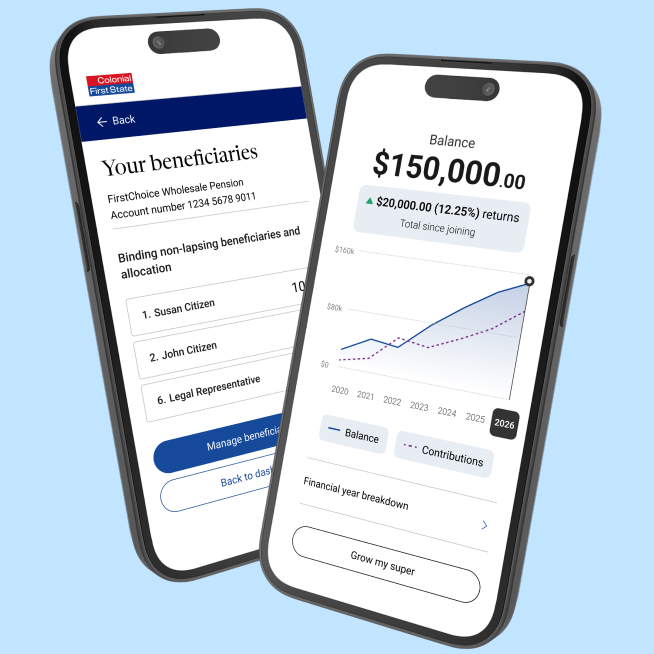
Say hello to the CFS app.
More for you, more for your super.
You can check your balance then track performance at a glance. Download your statement when you need it, and review your fees anytime.
Stay up to date as important things happen.
Changed jobs? It’s simple to tell your new employer you’re with Colonial First State. Manage the important things, like insurance and beneficiaries, all in one place. And search and combine your super, with just a few taps.
Ready for more?
Join over 300,000 members getting more from the CFS app.
Download now.
Rated 4.6 out of 5 stars
on the Apple App store in 2026.




Here’s what you can do in the app
Manage your account, track performance, and view statements and investments all in one place with the Colonial First State app. Images for illustrative purposes only.
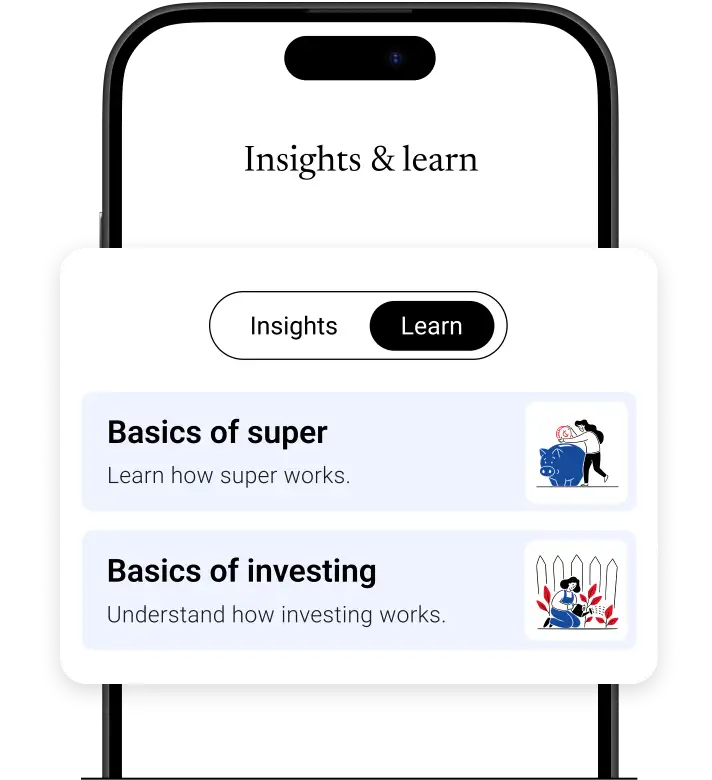
View insights and learn
Explore the latest insights and bite-sized content to help you manage your wealth.
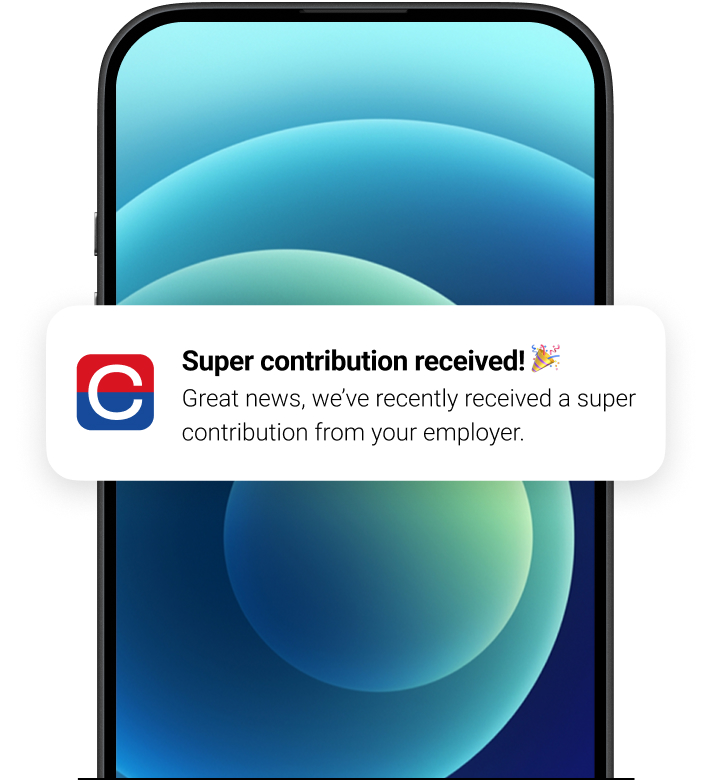
Get timely alerts
Turn on push notifications to get updates like contributions sent to your phone.
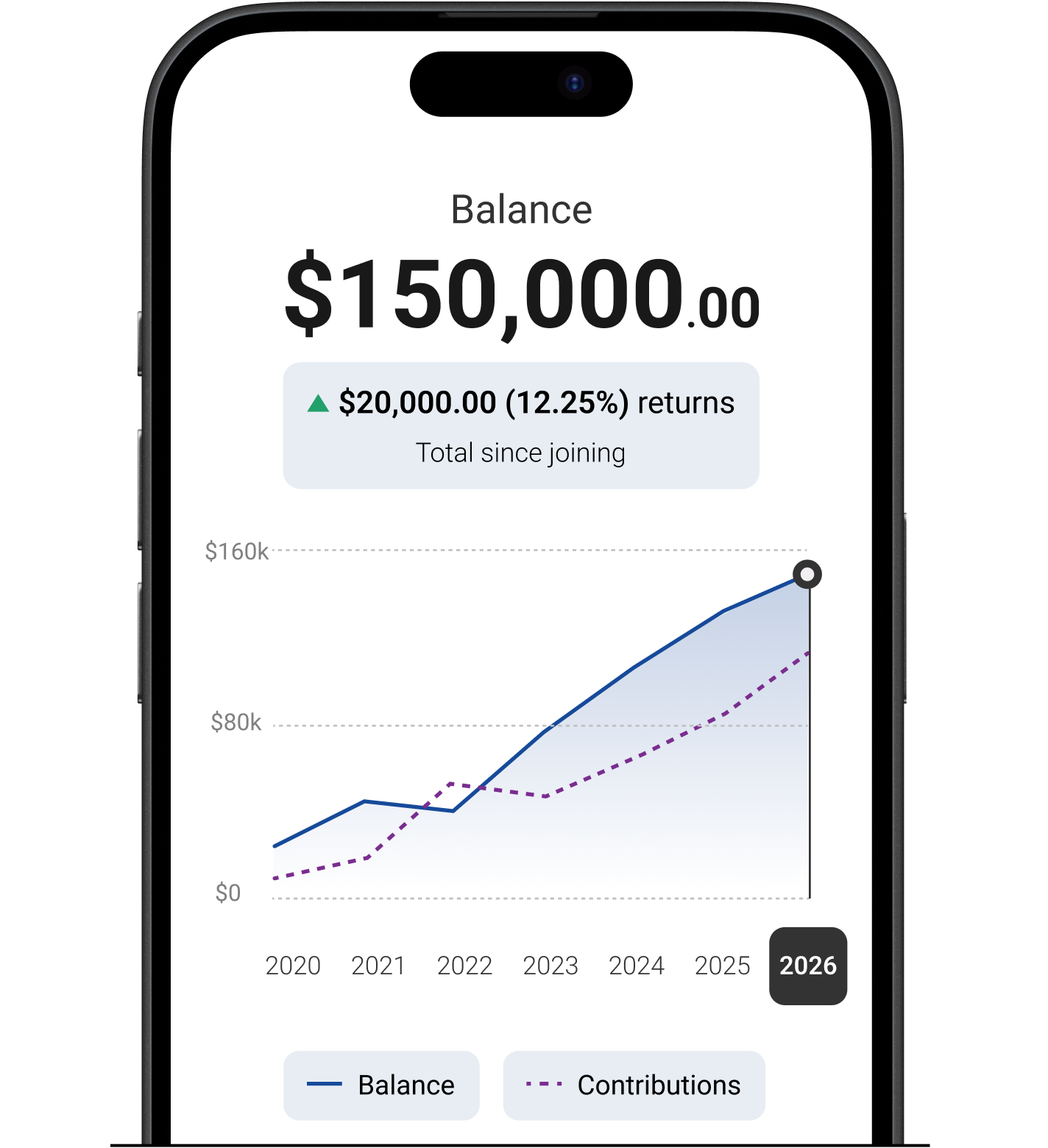
Track your balance
See how your money has performed over time with graphs and yearly breakdowns.
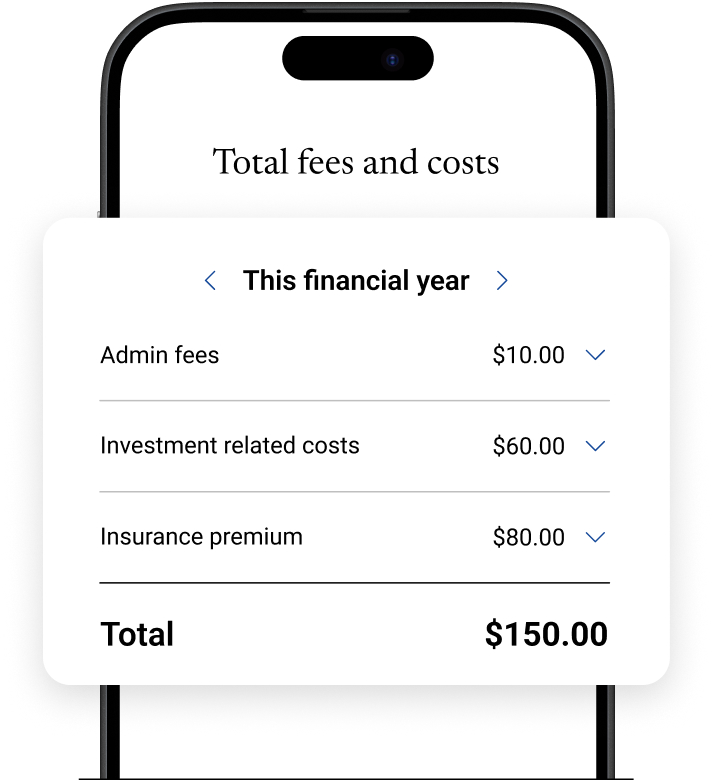
View your fees and costs
See where your money goes with a personalised view of fees and costs.
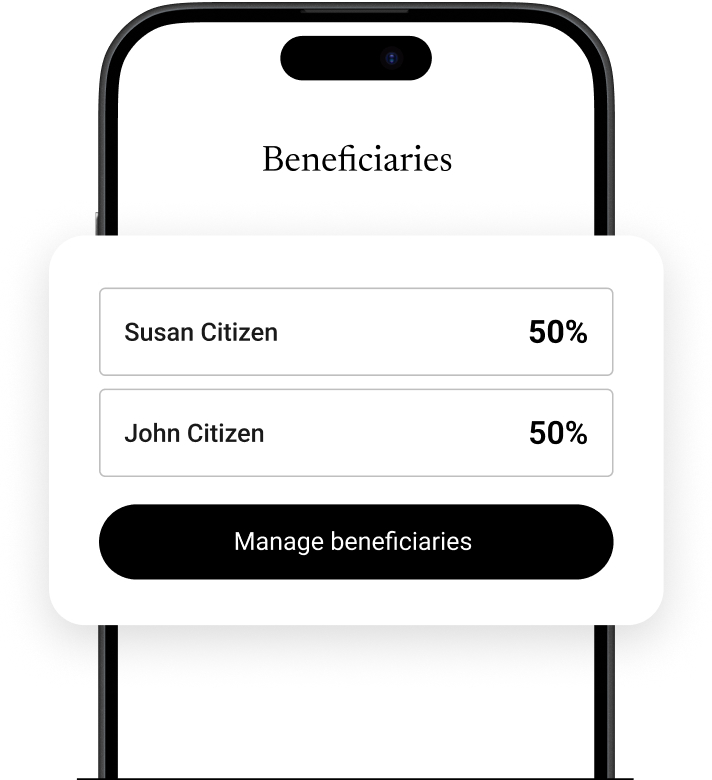
Protect what’s yours
Easily add or update your beneficiaries, and even start your will in just a few clicks.
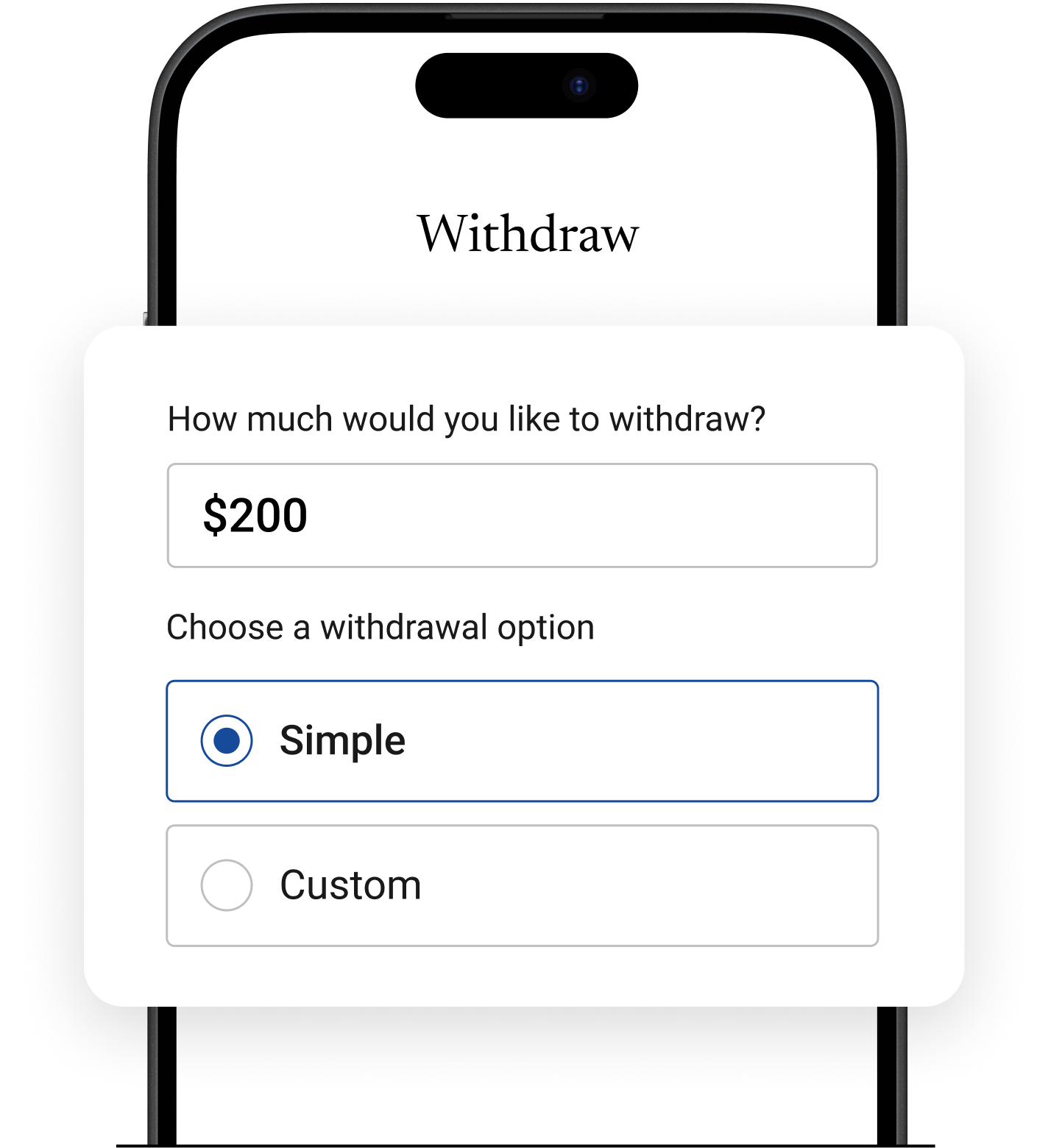
Pension withdrawals
Access your funds when you need them, safely and easily.
Getting started is easy
Need online access? Get set up in minutes!

Download the app
Head to the App Store or Google Play on your mobile to download the Colonial First State app.

Enter your Member ID
Tap “Login” and enter your Member ID (OIN). You can tap ‘Find my Member ID’ to retrieve it.

Verify your identity
Enter your date of birth and we’ll send a 6-digit code to your mobile to confirm it’s you.

Create a strong password
Set up a password that’s hard to guess. Tap ‘Login’ and enter your Member ID and password.
How we help protect your accounts
We’re here to help keep your account and personal details safe. That’s why we use the following security measures:
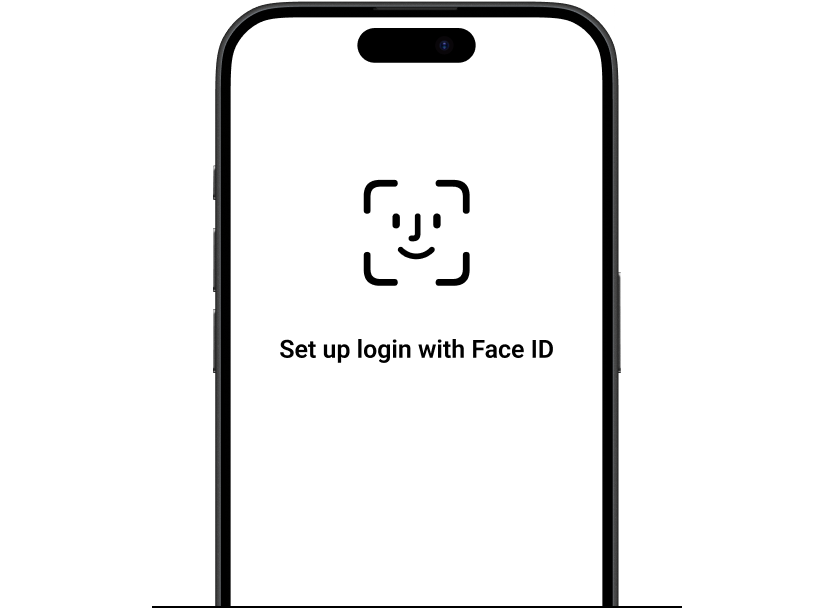
- Biometric login: Set up Face ID for a faster, more secure way to log in.
- Multi-Factor Authentication (MFA): We use MFA to help prevent unauthorised access. You’ll be asked to verify your identity with a one-time PIN sent to your registered mobile number.
- Suspicious activity monitoring: We actively monitor your accounts for suspicious activity, especially following recent scam reports targeting super funds. If you're concerned, change your passwords.
Frequently asked questions
Anyone with a FirstChoice super, investment, or pension account can use the app. This app does not cater for advisers, employers or FirstWrap members. FirstWrap members can download the CFS Edge mobile app.
The Colonial First State app supports mobile devices using either iOS or Android operating systems, we also support tablet devices in portrait mode only. It is not supported for smart watch usage.
The app supports:
● iOS version 13 or later
● Android version 7.0 or later
Yes. The app is optimised for screen readers, colour contrasts, font resizing and scalability for low vision or vision impairments.
Users need to have the accessibility features turned on their mobile device to activate this.
Your 8-digit Member ID (OIN) is unique to you and is different to your account number. You can find it on the top right hand corner of your latest statement.
Click on the 'Forgot Member ID (OIN)' link.
You will then be asked to provide your account number, date of birth and postcode.
If your details match what we have on file for you, a secure SMS will be sent to your mobile containing a FirstNet code.
Enter your temporary FirstNet code, you will be able to reset your password.
Click on the 'Forgot password' link in the app.
You will then need to enter your Member ID (OIN), or account number, date of birth and postcode.
If your details match what we have on file for you, a secure SMS will be sent to your mobile containing a FirstNet code.
Enter your temporary FirstNet code, you will be able to reset your password.
We're here to help
Get in touch
Get in touch with us online or call us 8:30am to 6pm (Sydney time) Monday to Friday.
Find the right advice option
Our dedicated team can help you choose from a range of different financial advice options.
Download mobile app
Track your balance and see your transaction history from anywhere.
Disclaimer
Avanteos Investments Limited ABN 20 096 259 979, AFSL 245531 (AIL) is the trustee of the Colonial First State FirstChoice Superannuation Trust ABN 26 458 298 557 and issuer of FirstChoice range of super and pension products. Colonial First State Investments Limited ABN 98 002 348 352, AFSL 232468 (CFSIL) is the responsible entity and issuer of products made available under FirstChoice Investments and FirstChoice Wholesale Investments.
Information on this webpage is provided by AIL and CFSIL. It may include general advice but does not consider your individual objectives, financial situation, needs or tax circumstances. You can find the target market determinations (TMD) for our financial products at https://www.cfs.com.au/tmd which include a description of who a financial product might suit. You should read the relevant Product Disclosure Statement (PDS) and Financial Services Guide (FSG) carefully, assess whether the information is appropriate for you, and consider talking to a financial adviser before making an investment decision. You can get the PDS and FSG at www.cfs.com.au or by calling us on 13 13 36.